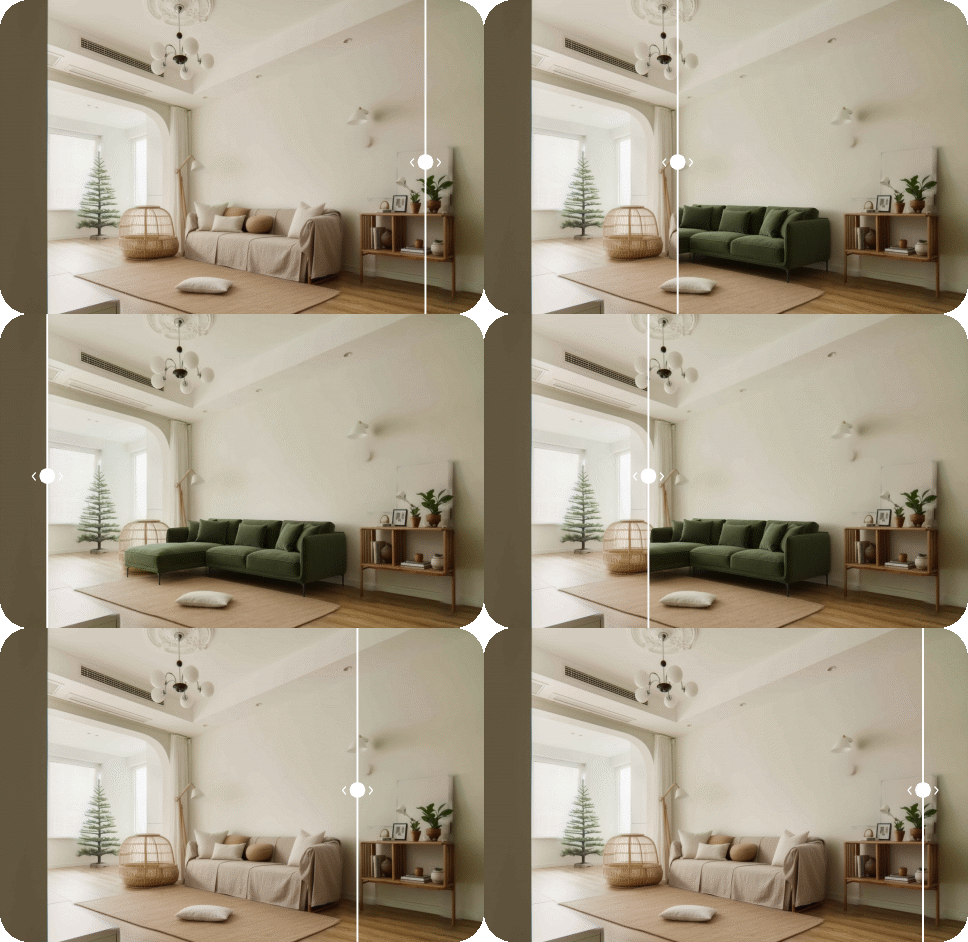
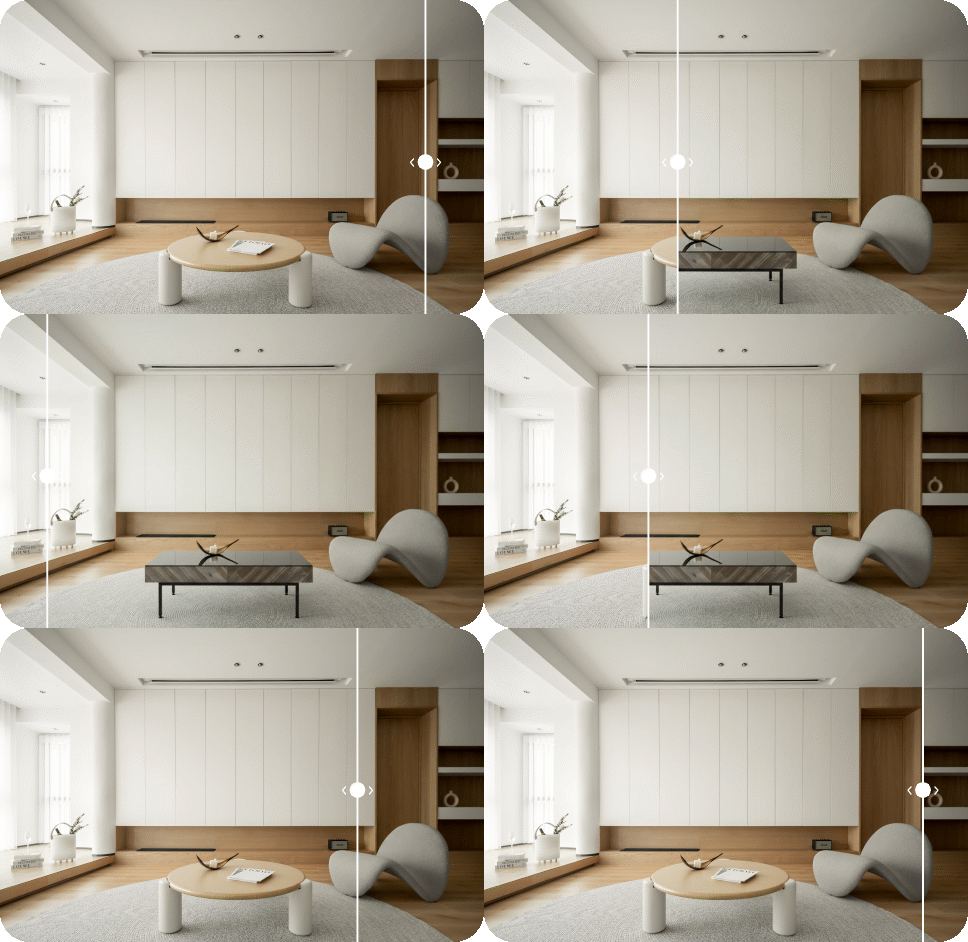
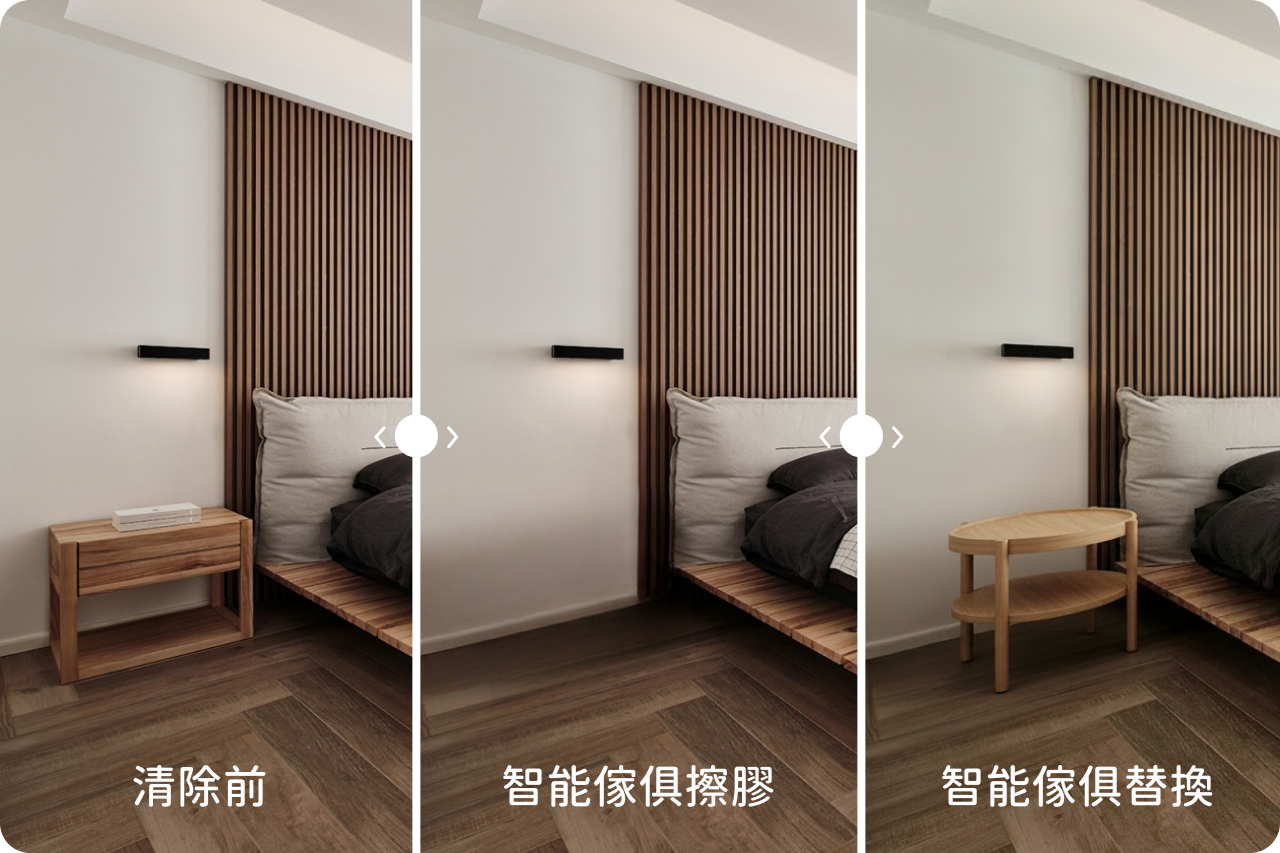
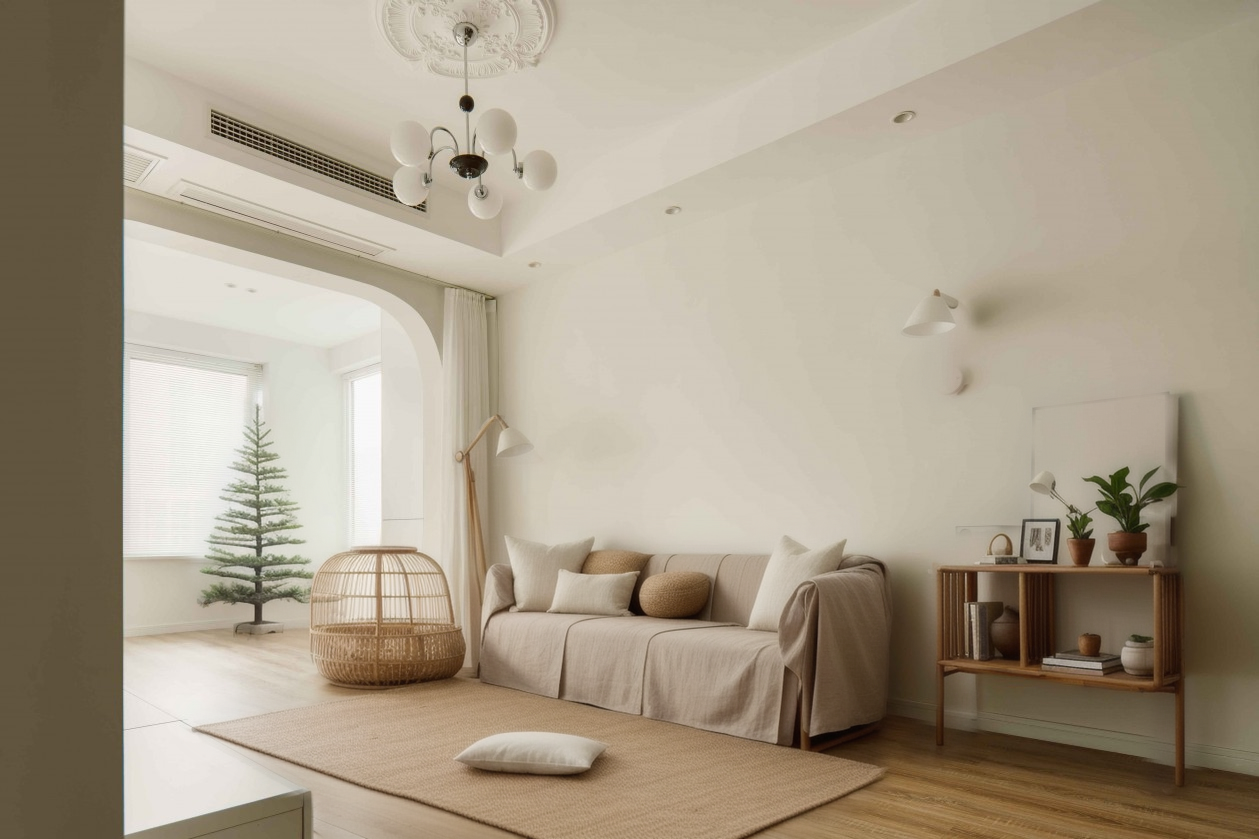
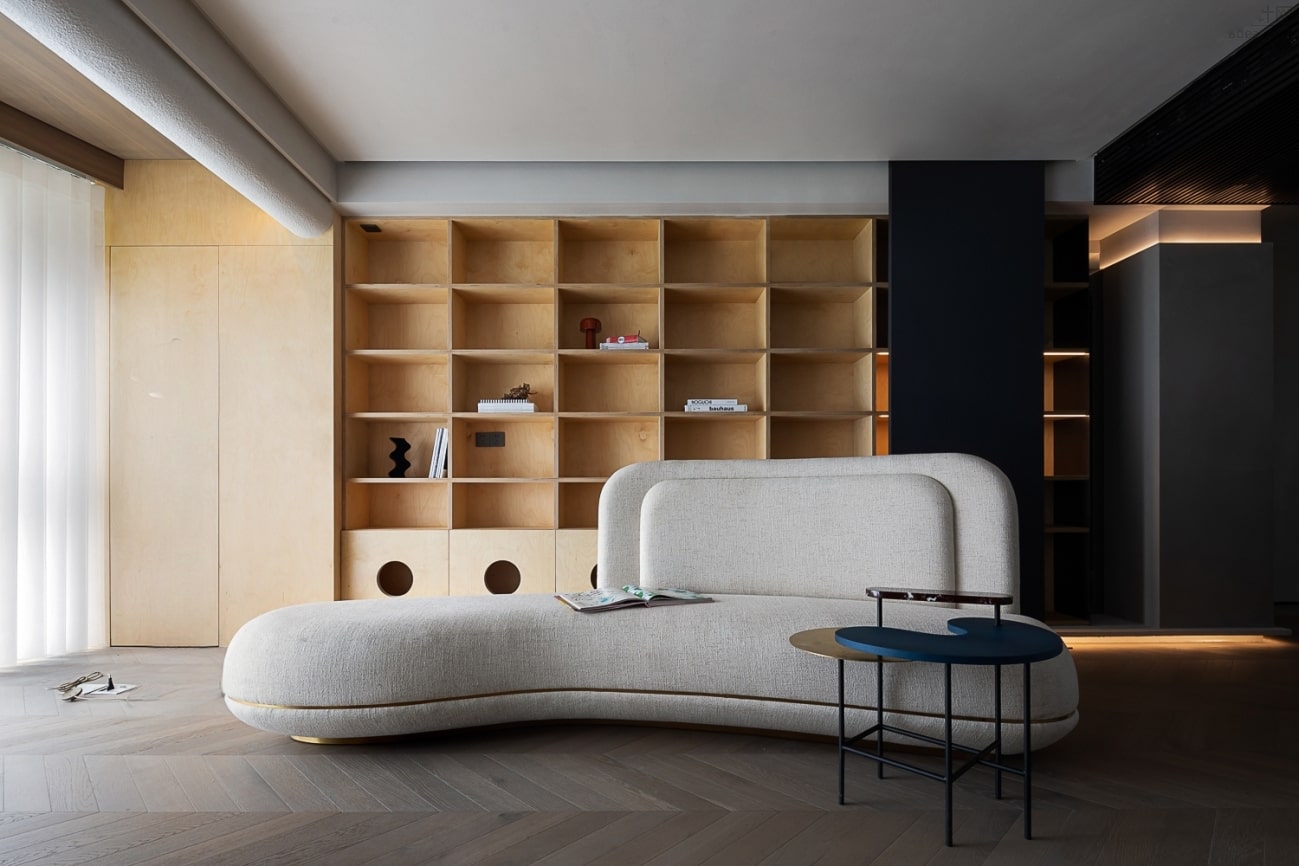
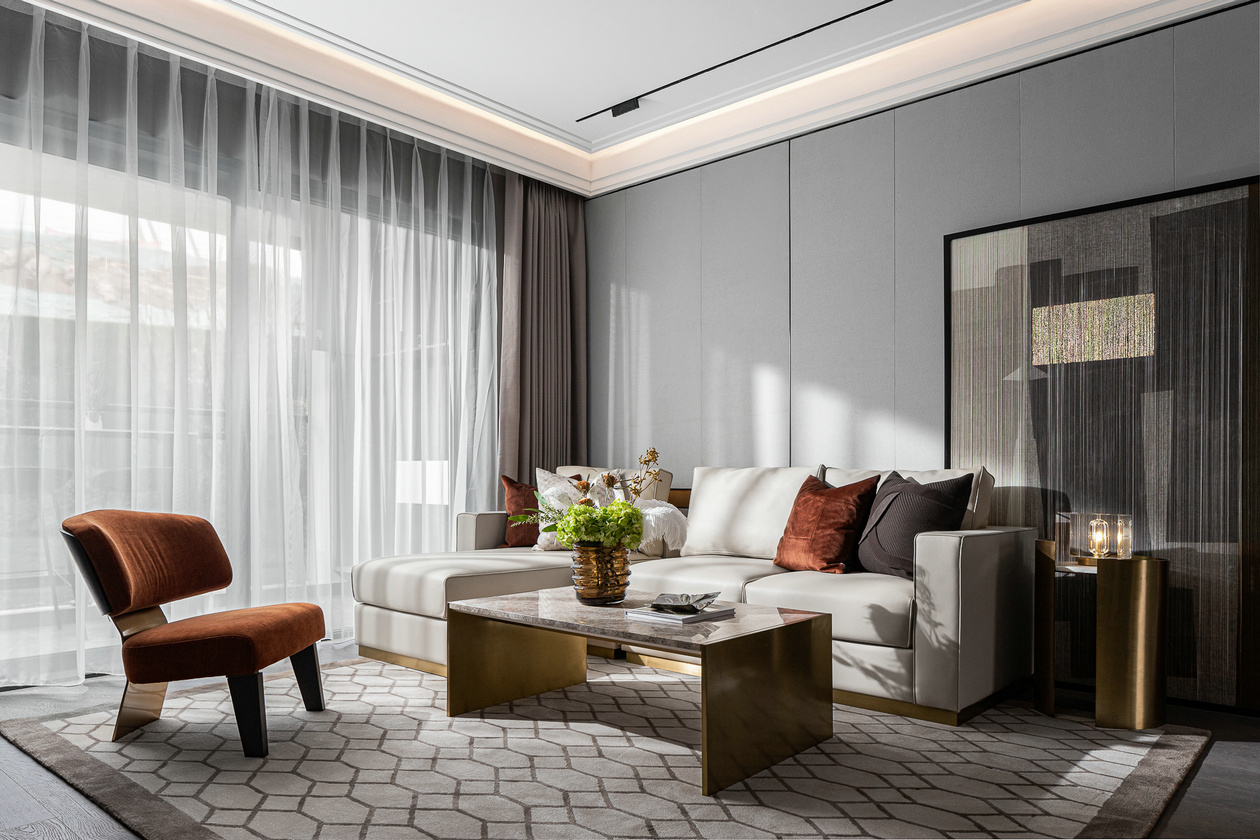
Quickly test different furniture styles on your existing photo—no re‑measuring or drafting required. Instantly see whether the new pieces fit your space and match your style.
Why use AI Smart Furniture
Before placing an order, use AI Smart Furniture to try different styles on your room photo. Compare how each piece looks and decide if the style is balanced or too bold.
Once you find a favorite, you don’t need to hunt for it elsewhere. Click the “Go to” link on the visual to jump to the supplier’s product page and order instantly.
Why use Smart Eraser
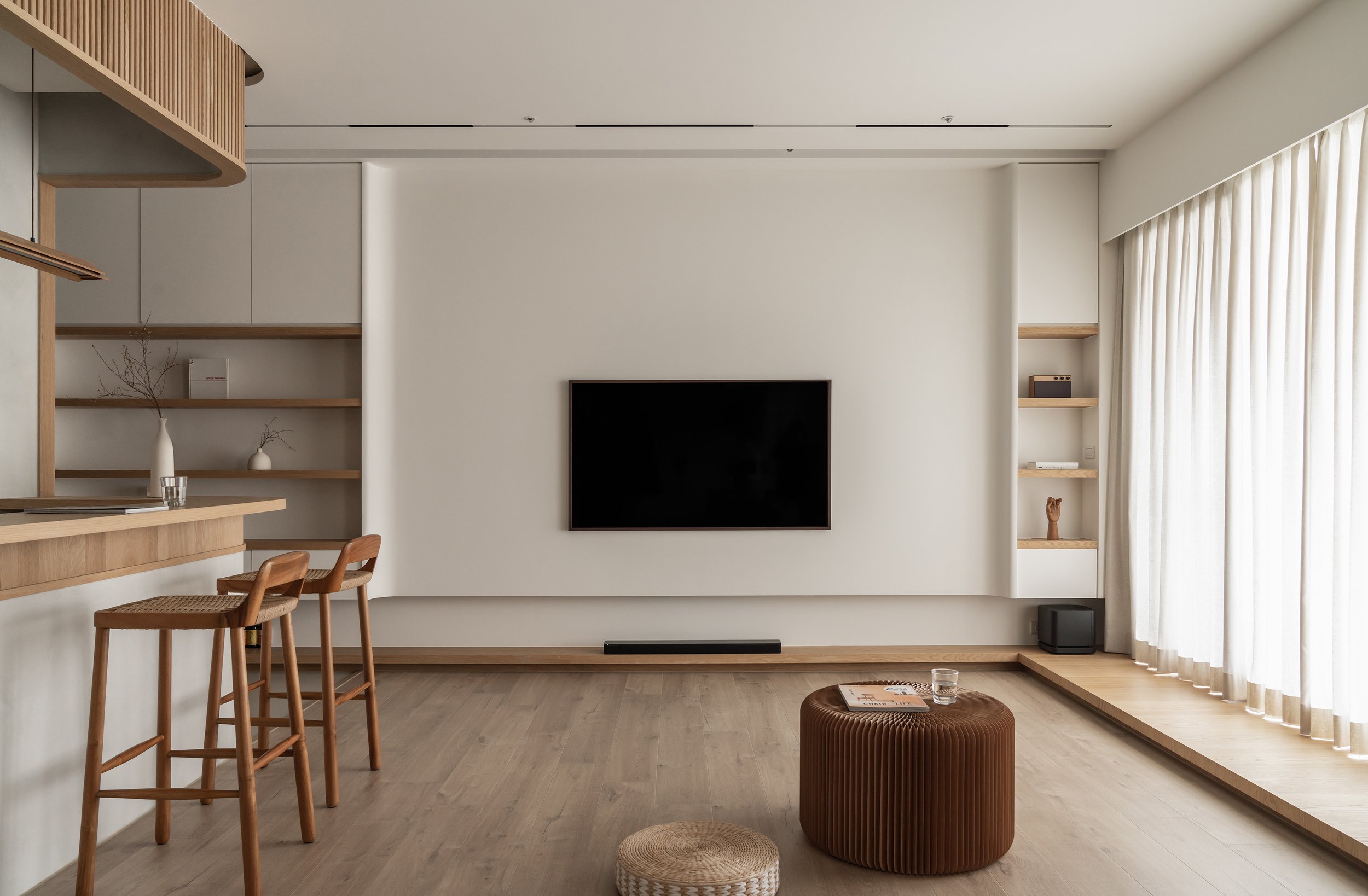
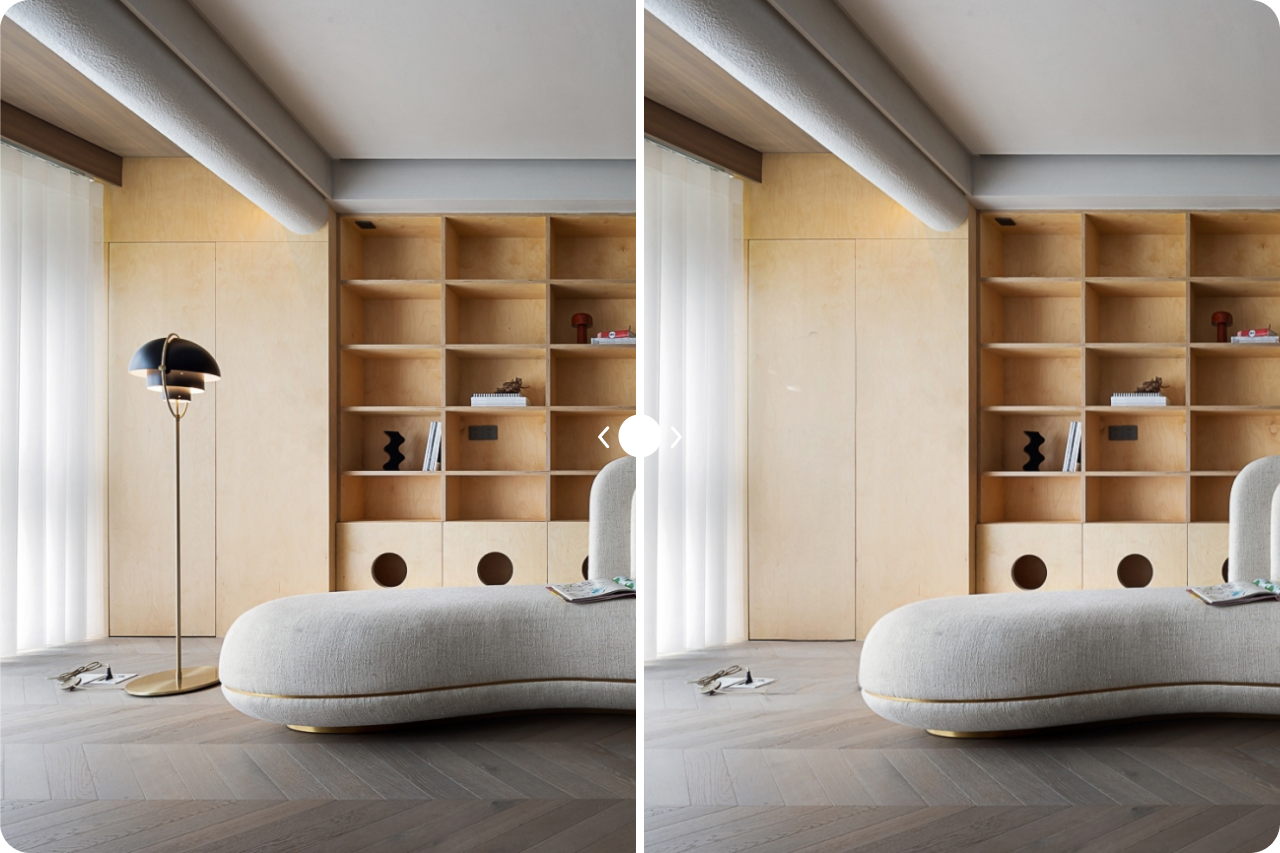
When the scene is cluttered or old furniture blocks the view, Smart Eraser removes unwanted items first, giving you a clean background for furniture replacement.
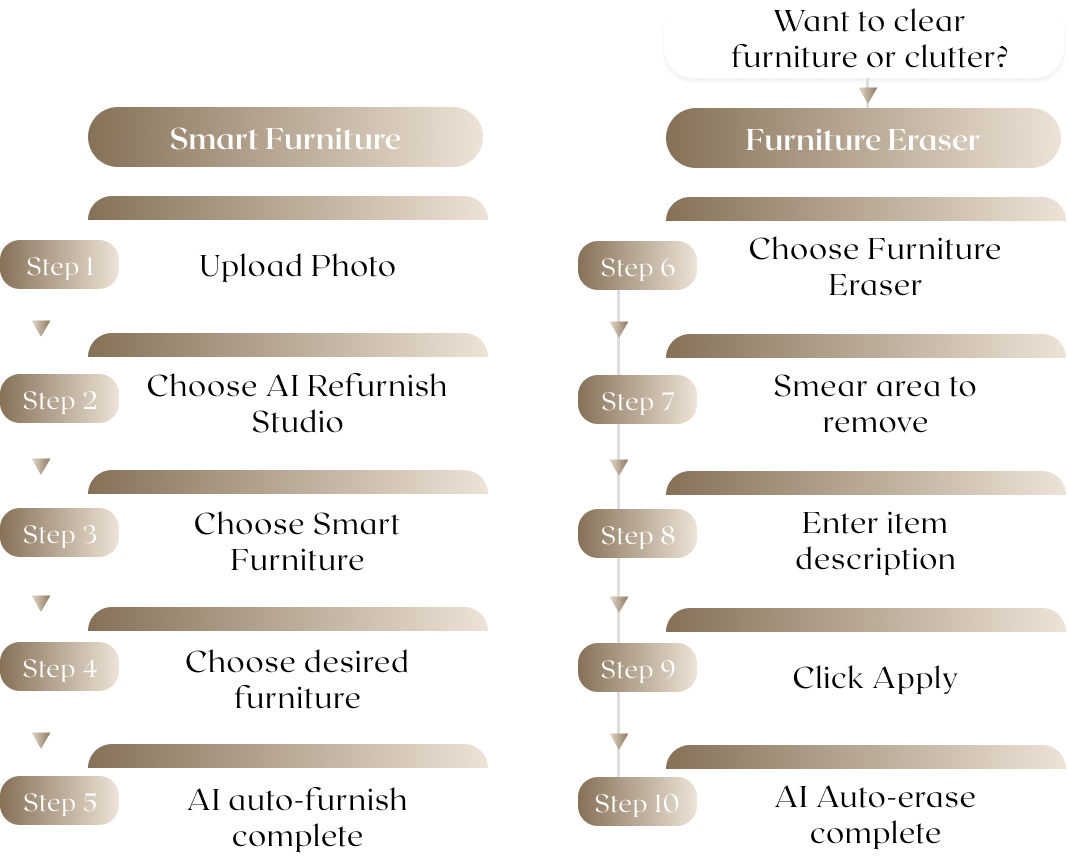
AI Smart Furniture is ideal for quickly previewing different furniture styles on an existing photo—such as swapping a sofa, dining table, or TV console—so you can see the effect before renovating or buying. See example tutorial ↗︎
If the background has lots of clutter or old furniture, use Smart Eraser to brush the area you want to remove. It clears the scene so you can place new furniture more cleanly. See example tutorial ↗︎
That’s normal. Run AI Smart Furniture again—even without placing a new object in that exact area. Regenerating the wall, floor, or nearby items helps restore detail for a more natural result. See example tutorial ↗︎
Yes. Click the “Go to” link on the visual to open the supplier’s product page (for example, a coffee table will link to that item). You can order directly.
We recommend: first try AI Smart Furniture to find a style, then use Smart Eraser to clear clutter if needed, and finally run AI Smart Furniture once more to refine any blurred areas for a cleaner, more realistic image. See example tutorial ↗︎