Why use AI Smart Staging
From empty room to finished design in seconds
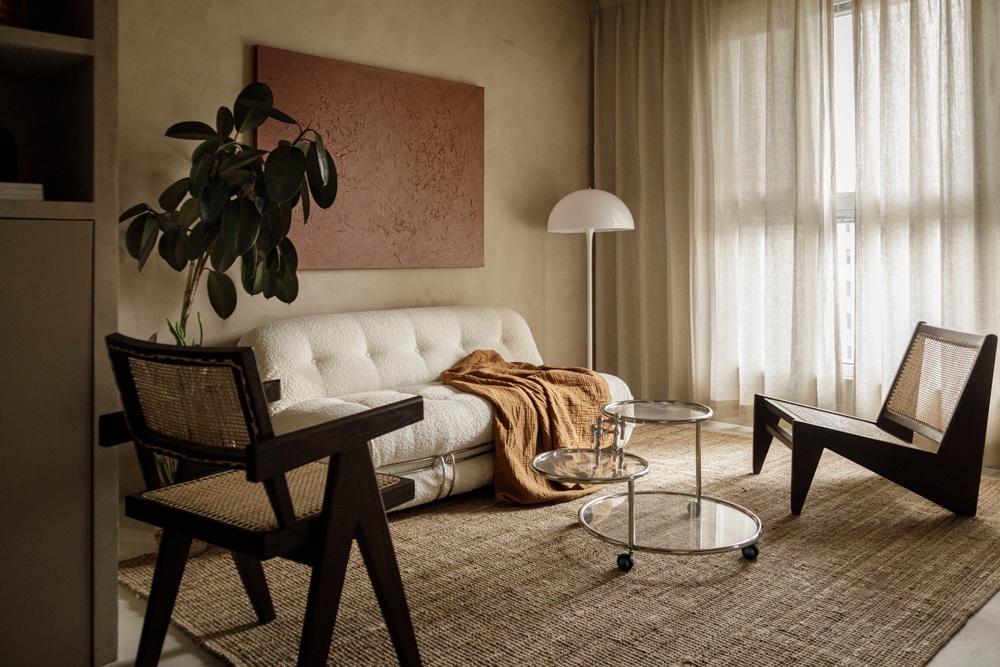
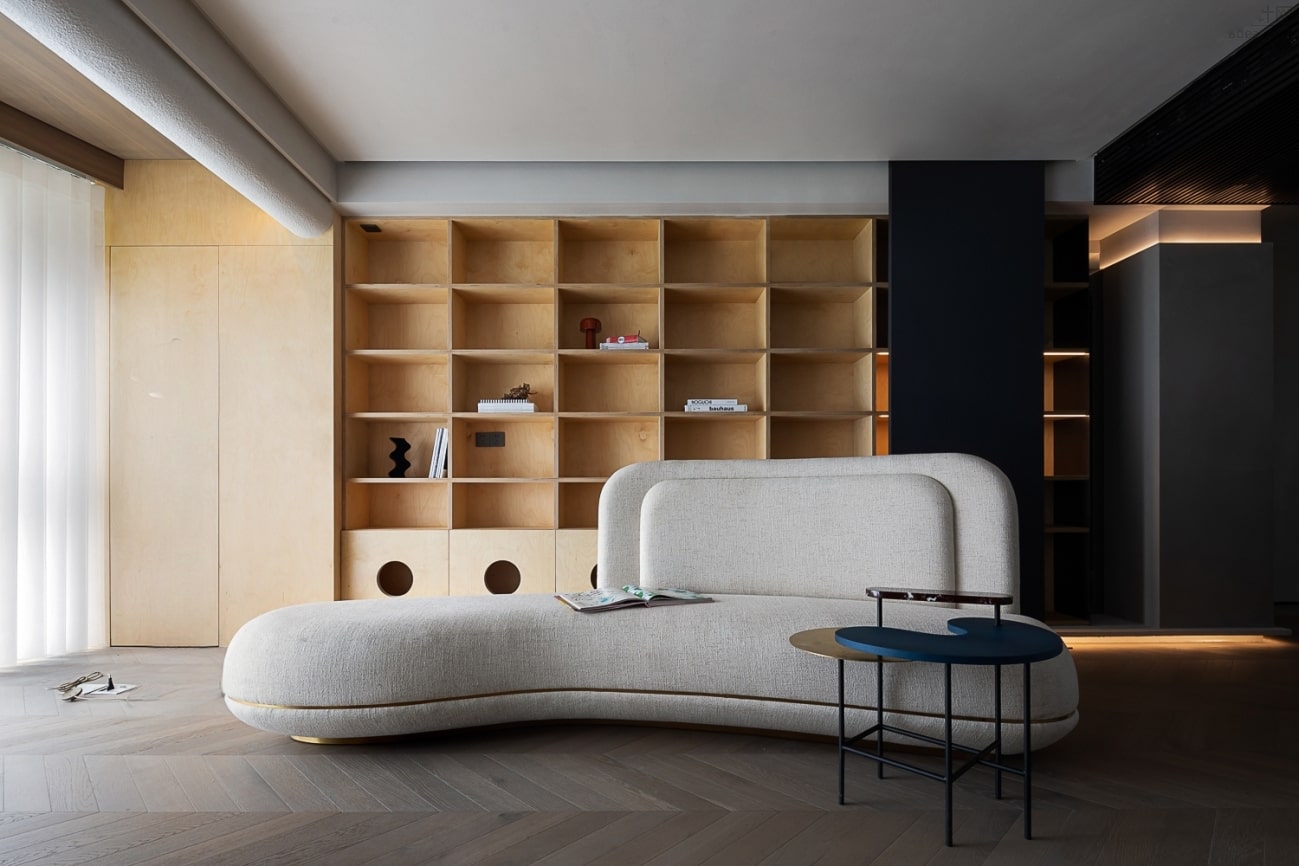
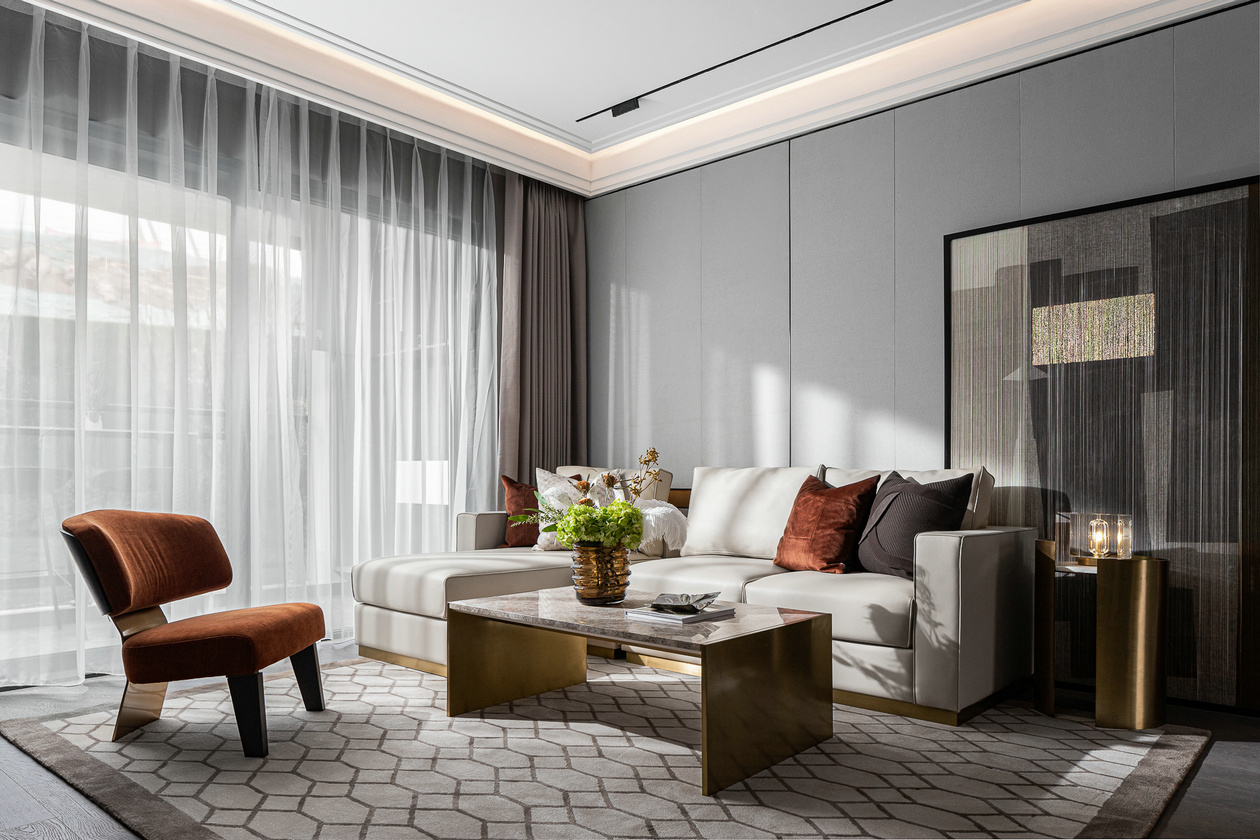
This feature automatically analyzes room size and layout to generate plans that balance flow, aesthetics, and storage—so even without design experience, you can achieve near‑professional results.
 Auto‑analyze the space
 Instantly generate multiple layout options
 Reduce trial‑and‑error cost
Why use AI Smart Staging
Reduce renovation risk—preview before you decide
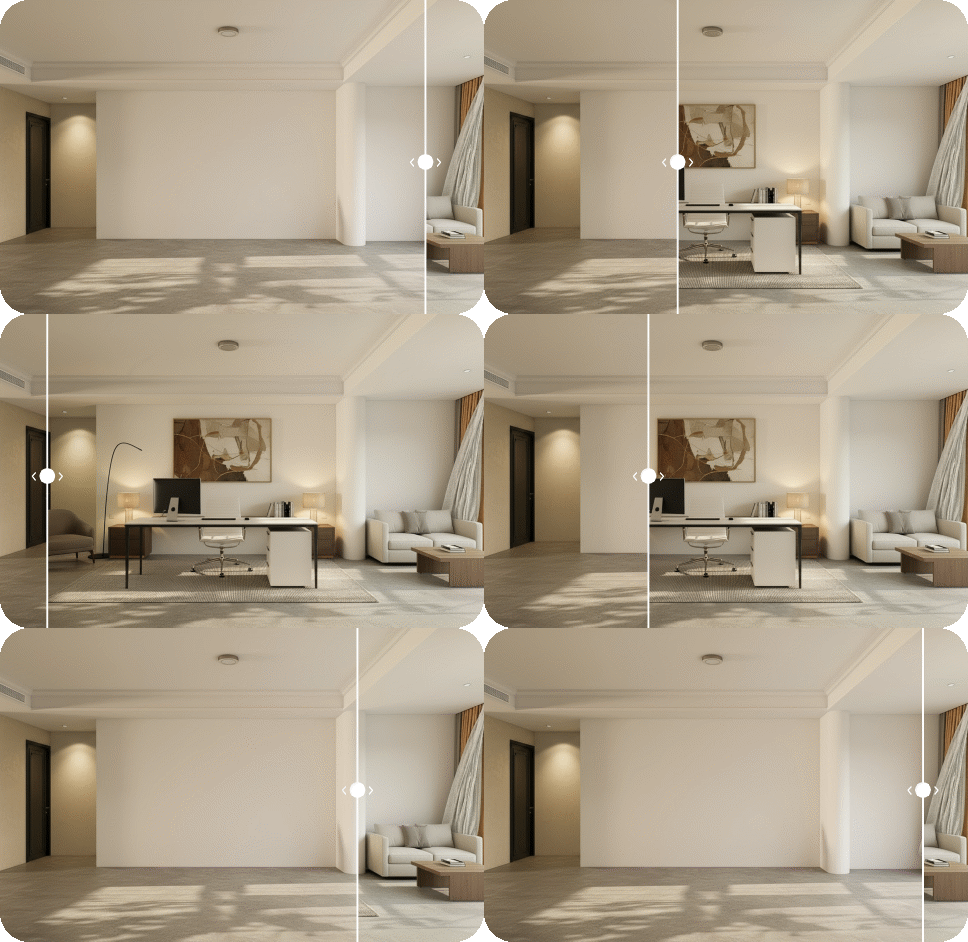
Before placing orders or starting construction, preview multiple versions with auto staging. You can spot size mismatches or style conflicts early, dramatically reducing costly rework.
Use the generated visuals as a shared reference with designers or contractors—far clearer than text descriptions alone.
 One‑click complete concepts
 Clearer design communication

Frequently Asked Questions
Q1: Do I need to use a photo of an empty room?
We recommend empty-room photos so the AI can better recognize walls, floors, and proportions for more natural results. Furnished rooms are also supported, but some items may overlap with existing furniture.
Q2: Are there requirements for image size or resolution?
Recommended resolution is around 1080p to 2K. Too small may lose detail; too large can increase processing time. Clear images with even lighting generally work best.
Q3: What kinds of layouts can I generate?
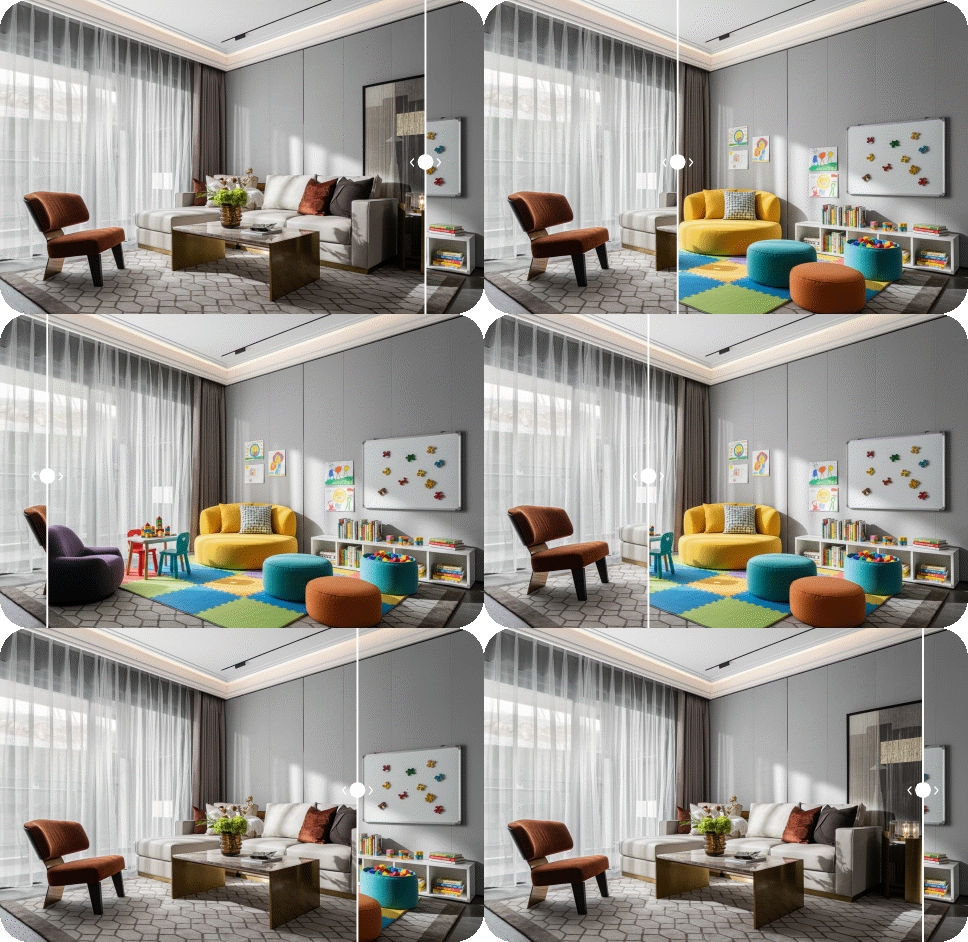
You can input keywords (e.g., “warm boutique hotel suite,” “Japanese zen with low furniture and tatami,” “colorful child‑safe play zone”), and the system will generate matching layouts. You can also choose from preset staging examples. See example tutorial ↗︎
Q4: Can I try multiple layouts with the same photo?
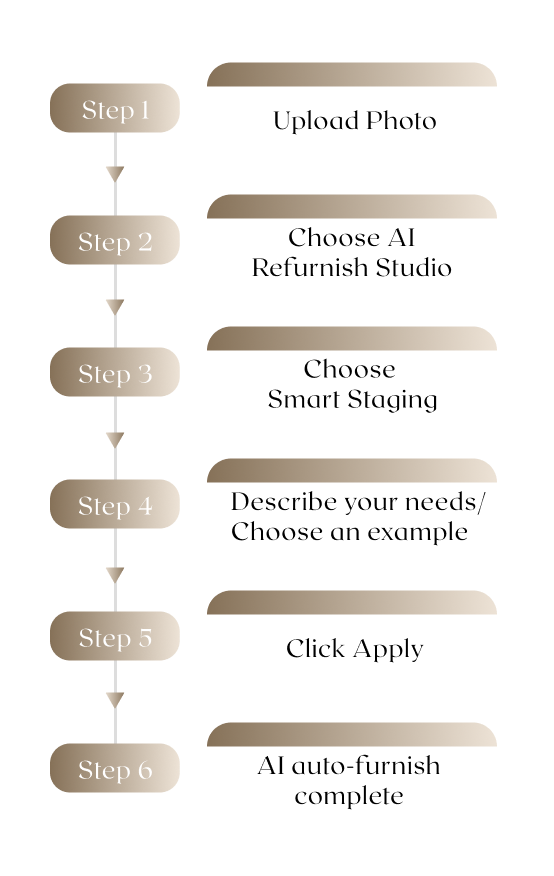
Yes. You can enter different staging requests on the same room photo and click “Apply.” In seconds you can compare multiple styles—hotel suite, zen, children’s play zone, and more. See example tutorial ↗︎
Q5: Can I adjust the result if it doesn’t match my vision?
Yes. Add more specific requirements (e.g., “light wood tone,” “needs a desk and storage,” “keep the window position”), or try a different staging prompt and regenerate. A few iterations will get you closer to your ideal space. See example tutorial ↗︎
Q6: Can this be used directly as a renovation blueprint?
AI Smart Staging is for rapid concept visualization. Use the generated images to discuss with designers or contractors, who can then finalize based on real dimensions and structure. See example tutorial ↗︎